 Install on Shopify
Product story
Video section for Shopify
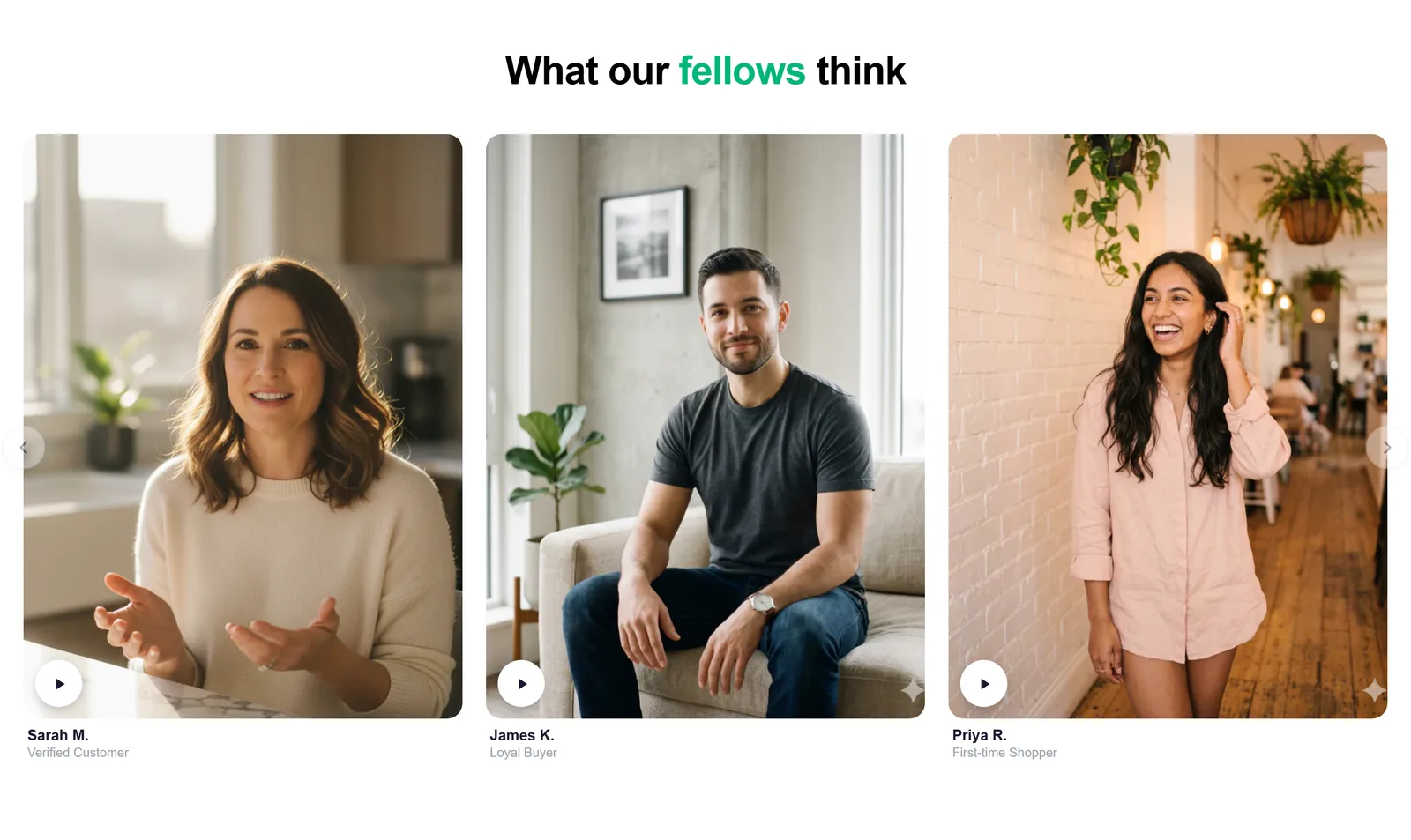
A clean video block with a poster image and playback controls.
What it is
The video section embeds a hosted video (such as YouTube or Vimeo) or an uploaded file with a poster image. It's a native theme section, so it sits in the page flow and is configured entirely from the theme editor.
What merchants use it for
- Product demo or how-to
- Brand film on the homepage
- Founder or behind-the-scenes clip
- Tutorial on a landing page
- Background ambiance video
Key features
- Hosted video URL or uploaded file
- Custom poster image
- Autoplay, mute, and loop options
- Optional heading and text
- Responsive 16:9 framing
Setup
How to add the Video section
- 01Install Modulo from the Shopify App Store
- 02Open the theme editor and click Add section
- 03Choose the Video section from Modulo
- 04Paste a video URL or upload a file and set a poster image
Questions
Frequently asked
Can I autoplay the video?
Yes, with the mute option enabled — browsers require muted playback to autoplay. You can also leave it click-to-play with a poster image.
Does it support YouTube and Vimeo?
Yes. Paste a hosted video URL, or upload a file directly to Shopify for self-hosted playback.
Get the Video section — and 50+ more.
One install adds 100+ native sections, 16 conversion blocks, and the bundling engine to your theme. Free at launch.