 Install on Shopify
Product story
Editorial story section for Shopify
A magazine-style layout for longer brand and product storytelling.
What it is
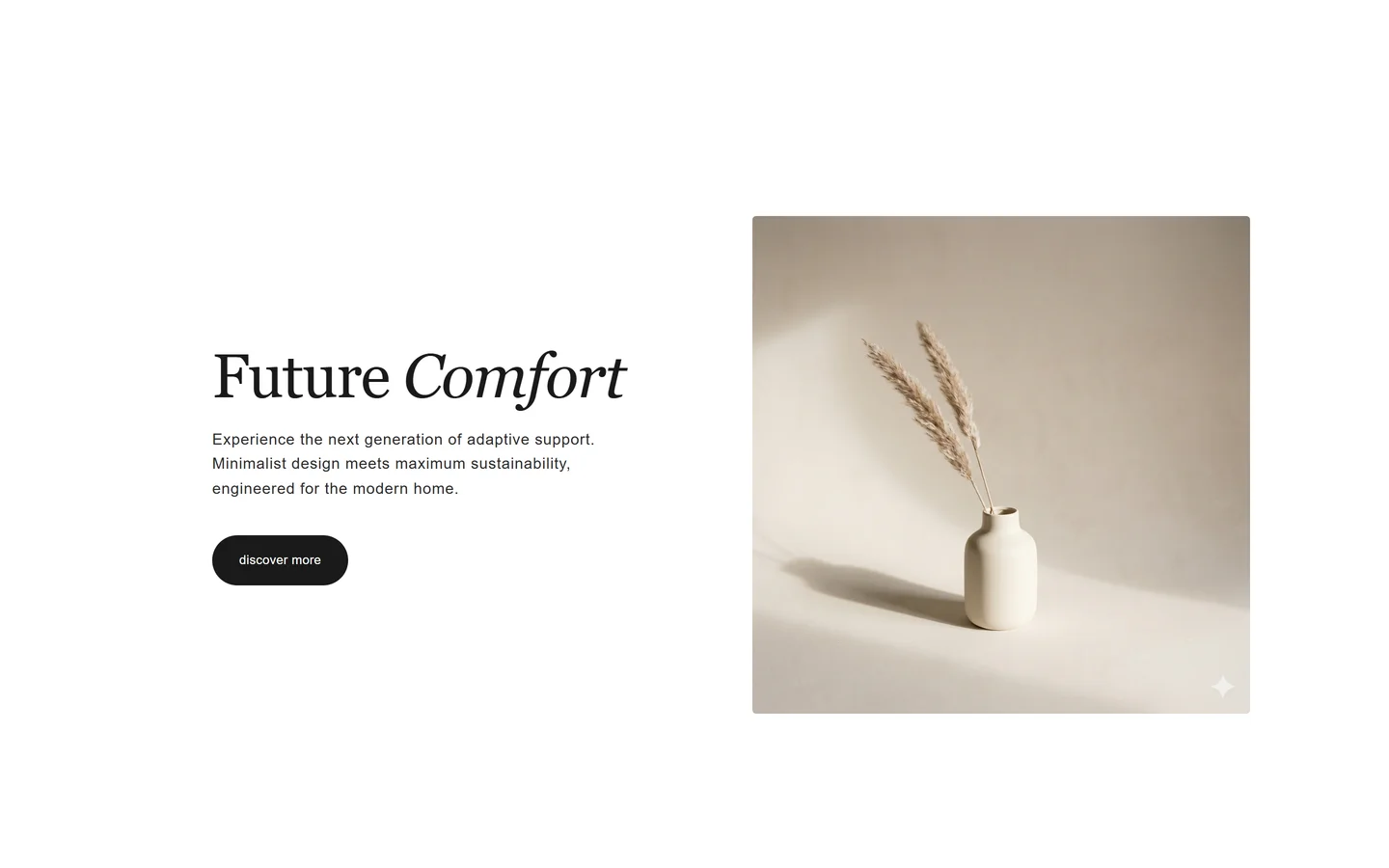
The editorial story section combines headings, paragraphs, and images into a flowing, magazine-style layout. It's a native theme section built for longer narratives where a single image-with-text block isn't enough.
What merchants use it for
- Brand origin story
- Product craftsmanship deep-dive
- Campaign narrative page
- Sustainability or sourcing story
- Editorial landing page
Key features
- Mixed text and image blocks
- Multiple heading and paragraph levels
- Full-width and inset image options
- Reorderable content blocks
- Generous typography spacing
Setup
How to add the Editorial story section
- 01Install Modulo from the Shopify App Store
- 02Open the theme editor and click Add section
- 03Choose the Editorial story section from Modulo
- 04Add text and image blocks and arrange them into your story
Questions
Frequently asked
How is this different from image with text?
Image with text is a single image-and-copy pair. Editorial story supports many alternating text and image blocks for a longer, flowing layout.
Can I use it as a full landing page?
Yes. Stack the editorial story with a hero and a call-to-action to build a complete narrative page.
Get the Editorial story section — and 50+ more.
One install adds 100+ native sections, 16 conversion blocks, and the bundling engine to your theme. Free at launch.