 Install on Shopify
Hero section for Shopify
The first thing visitors see — a headline, an image, and one clear button.
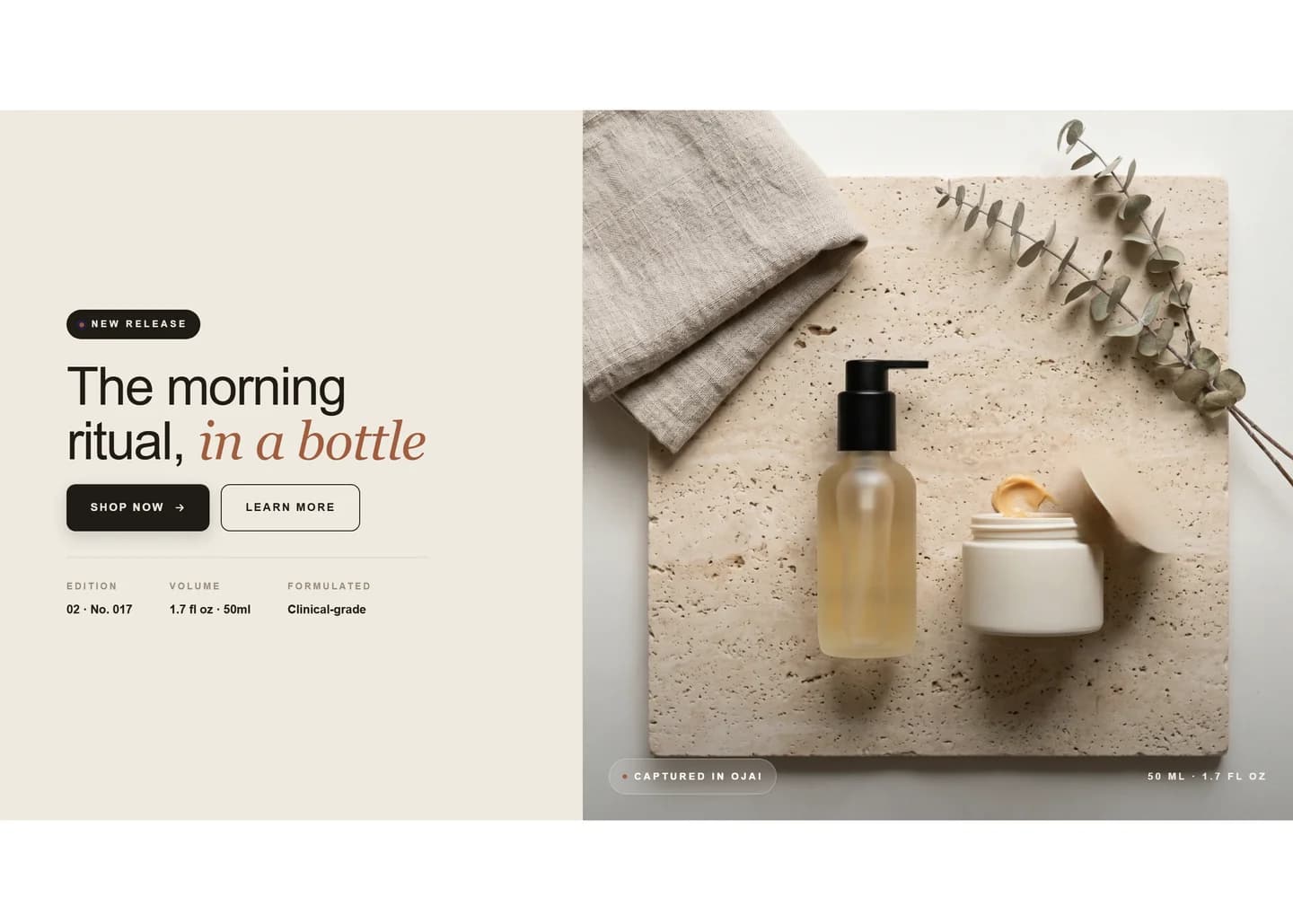
The hero section is a full-width banner that sits at the top of a page to set the tone and point visitors to one action. It installs as a native theme section, so it renders server-side in Liquid and edits inline in Shopify's theme editor.
What merchants use it for
- Landing page above-the-fold
- Homepage opener
- Seasonal campaign banner
- New product announcement
- Lookbook or collection intro
Key features
- Full-width image or video background
- Headline, subheading, and body text fields
- One or two call-to-action buttons
- Adjustable height, text alignment, and overlay opacity
- Mobile-specific image option
How to add the Hero section
- 01Install Modulo from the Shopify App Store
- 02Open your theme editor and click Add section
- 03Choose the Hero section from Modulo
- 04Edit the heading, background image, and button inline
Frequently asked
Can I use a video background in the hero section?
Yes. You can set a hosted video or an uploaded file as the background, with an image fallback for devices that don't autoplay video.
Will the hero section slow down my store?
It's a native theme section rendered in Liquid, not an iframe or external script, so it loads with the rest of the page. Use an appropriately sized image to keep it fast.
Can I show a different image on mobile?
Yes. There's a separate mobile image field so you can crop or swap the background for smaller screens.
Get the Hero section — and 50+ more.
One install adds 100+ native sections, 16 conversion blocks, and the bundling engine to your theme. Free at launch.