 Install on Shopify
Product story
Image with text section for Shopify
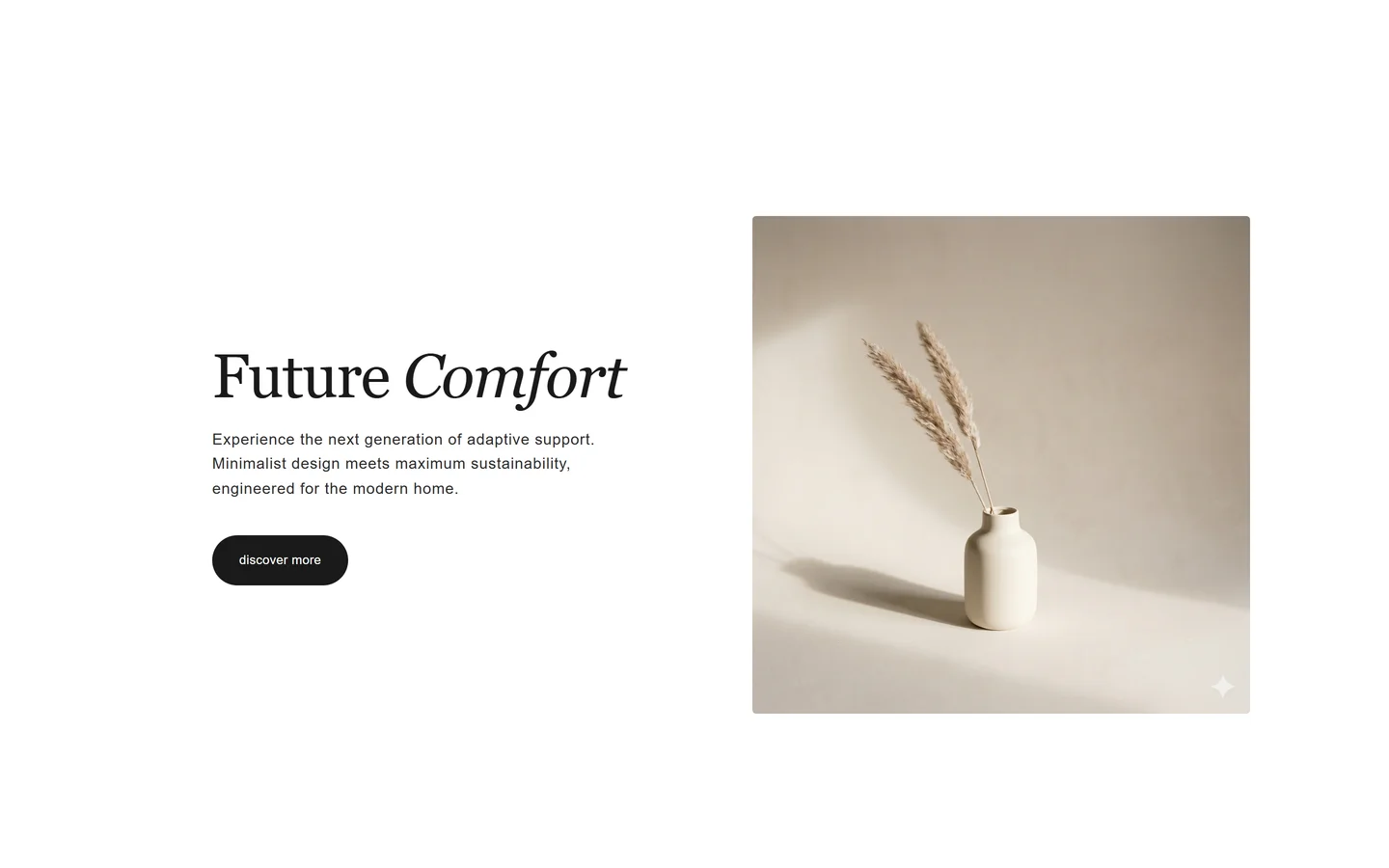
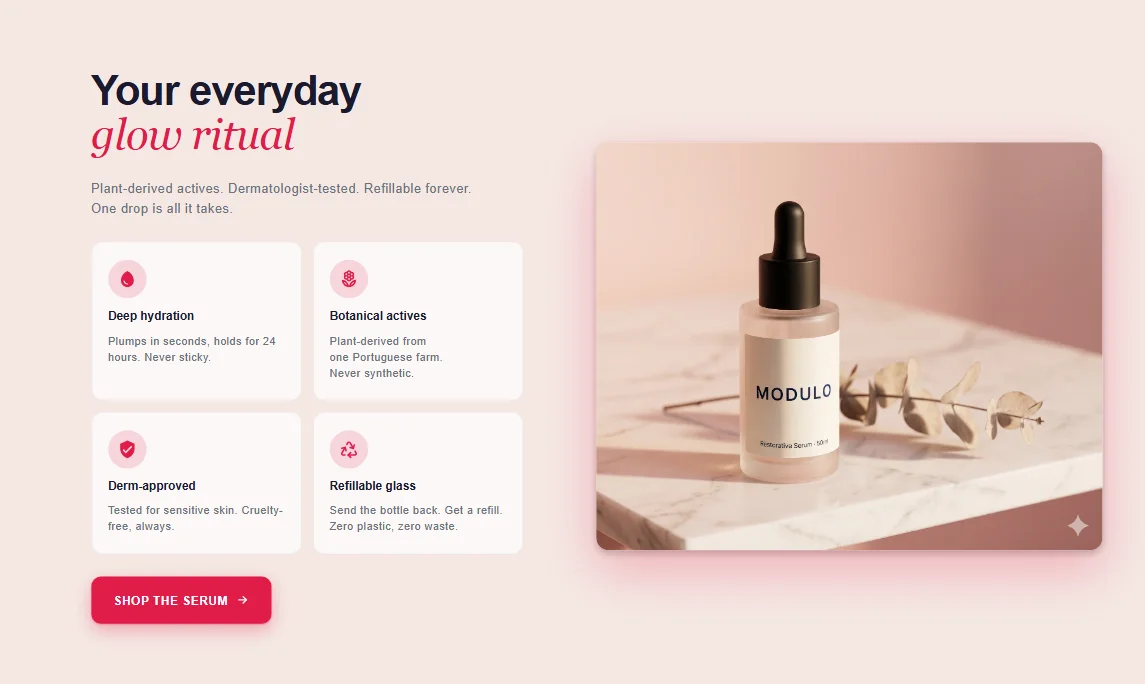
One image, one block of copy, side by side — a clean way to tell a single point.
Preview coming soonImage with text section
What it is
The image with text section places an image beside a heading, paragraph, and optional button. It's a native theme section, so the image and copy are theme-editor fields and you can flip the layout left or right.
What merchants use it for
- Brand story snippet
- Single product feature spotlight
- Founder or about-us note
- Ingredient or material callout
- Step in a longer page narrative
Key features
- Image and text side by side
- Reversible left/right layout
- Heading, body, and optional button
- Adjustable image-to-text ratio
- Stacks vertically on mobile
Setup
How to add the Image with text section
- 01Install Modulo from the Shopify App Store
- 02Open the theme editor and click Add section
- 03Choose the Image with text section from Modulo
- 04Upload the image and edit the heading and copy inline
Questions
Frequently asked
Can I put the image on the right instead of the left?
Yes. A layout toggle flips the image and text so you can alternate sides when stacking several of these sections.
Does it stack properly on mobile?
Yes. On small screens the image and text stack vertically so the content stays readable.
Get the Image with text section — and 50+ more.
One install adds 100+ native sections, 16 conversion blocks, and the bundling engine to your theme. Free at launch.