 Install on Shopify
Product story
Features section for Shopify
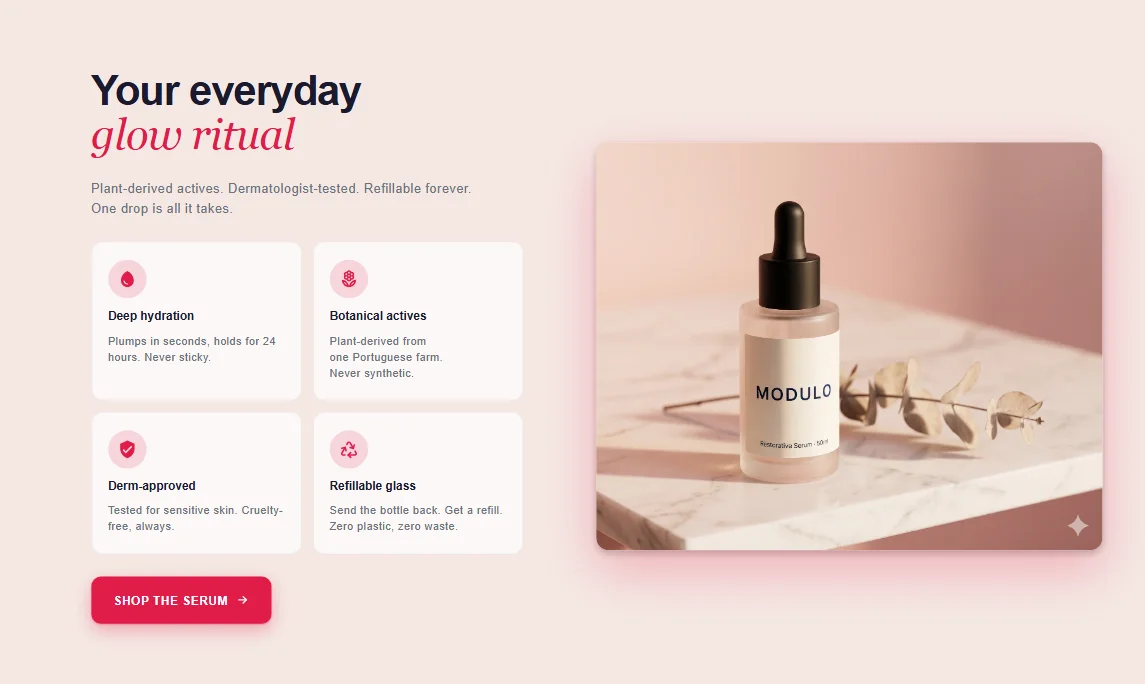
A tidy grid of icons and short copy that explains what makes your product worth buying.
What it is
The features section presents a set of benefits or specs as a grid of icon-and-text blocks. It's a native theme section, so each item is a theme-editor block you can add, reorder, or remove without touching code.
What merchants use it for
- Product benefit highlights
- Why-buy-from-us strip
- Shipping, returns, and guarantee summary
- Service or subscription perks
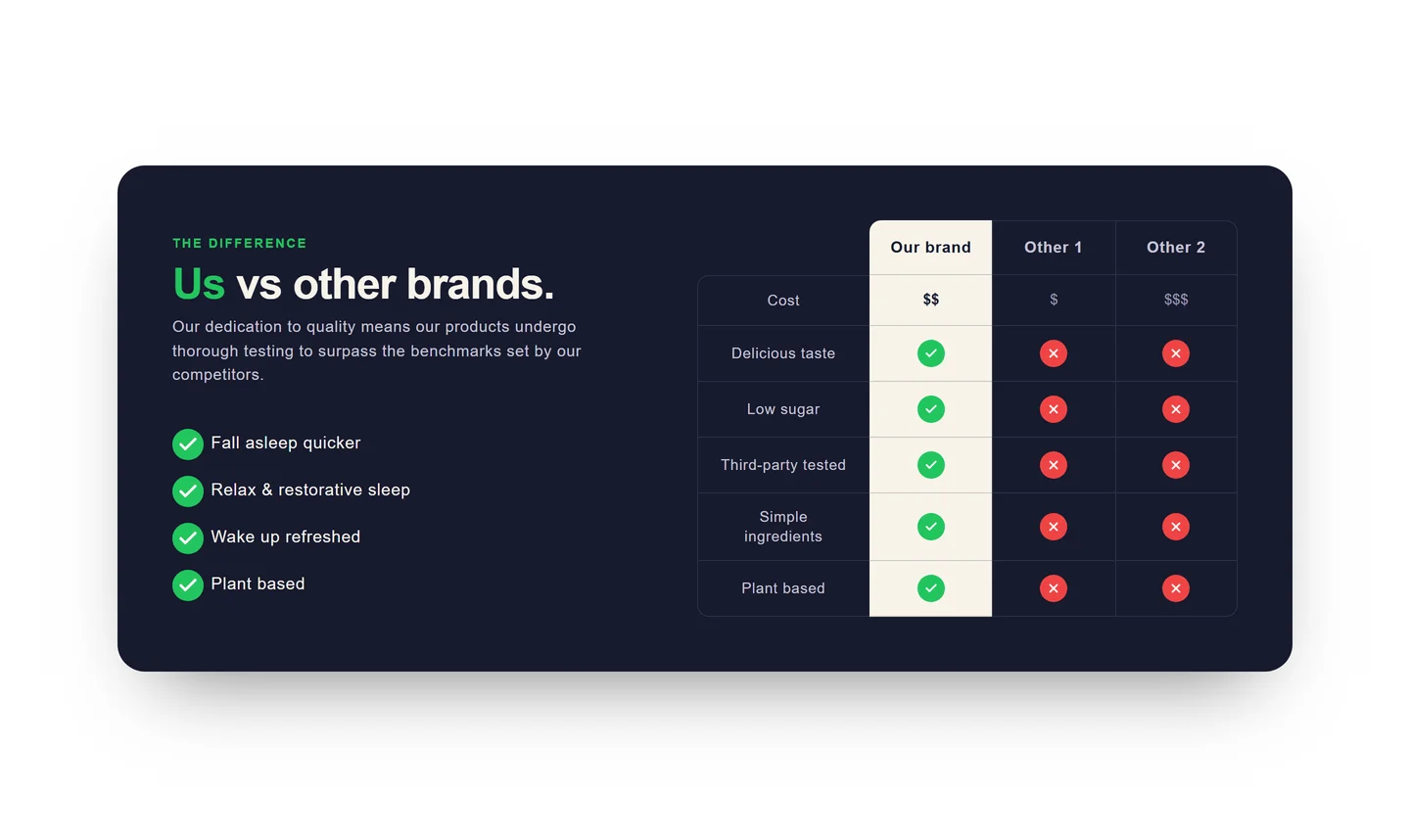
- Feature comparison teaser
Key features
- Repeatable icon + heading + text blocks
- Choice of built-in icons or uploaded images
- Configurable columns per row
- Optional per-item link
- Adjustable spacing and alignment
Setup
How to add the Features section
- 01Install Modulo from the Shopify App Store
- 02Open the theme editor and click Add section
- 03Choose the Features section from Modulo
- 04Add a block per feature and edit the icon and text inline
Questions
Frequently asked
How many features can I list?
Add as many feature blocks as you need. Set the number of columns so the grid wraps cleanly on desktop and stacks on mobile.
Can I use my own icons?
Yes. Each block lets you pick a built-in icon or upload your own SVG or PNG image.
Get the Features section — and 50+ more.
One install adds 100+ native sections, 16 conversion blocks, and the bundling engine to your theme. Free at launch.