 Install on Shopify
Conversion
Comparison table section for Shopify
A side-by-side table that makes the better choice obvious.
What it is
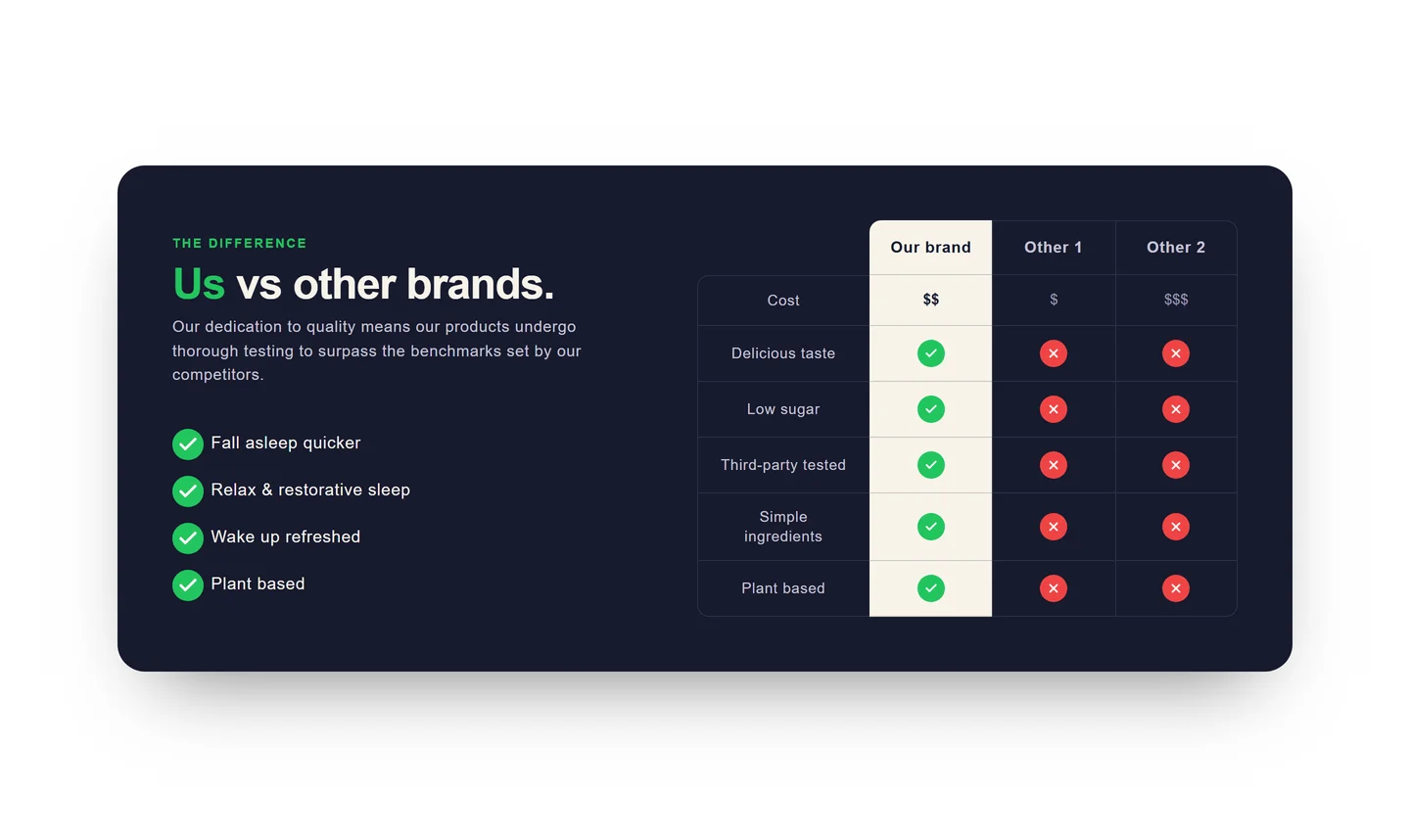
The comparison table section lays out features across columns so shoppers can weigh options at a glance. It's a native theme section where each row and column is editable inline, including check, cross, and text values.
What merchants use it for
- Your brand vs. alternatives
- Product tier comparison
- Plan or bundle differences
- Spec sheet for a product line
- Us-vs-them buying guide
Key features
- Editable rows and columns
- Check, cross, or custom text per cell
- Optional highlighted column
- Sticky header on scroll
- Responsive layout for mobile
Setup
How to add the Comparison table section
- 01Install Modulo from the Shopify App Store
- 02Open the theme editor and click Add section
- 03Choose the Comparison table section from Modulo
- 04Add your columns and fill each row's cells inline
Questions
Frequently asked
Can I highlight one column?
Yes. You can emphasize a single column — for example your own product — so it stands out from the alternatives.
How does the table behave on mobile?
The table adapts for small screens so the comparison stays legible without awkward horizontal scrolling.

Get the Comparison table section — and 50+ more.
One install adds 100+ native sections, 16 conversion blocks, and the bundling engine to your theme. Free at launch.