 Install on Shopify
Social proof
Testimonials section for Shopify
Real customer quotes, attributed and easy to scan.
What it is
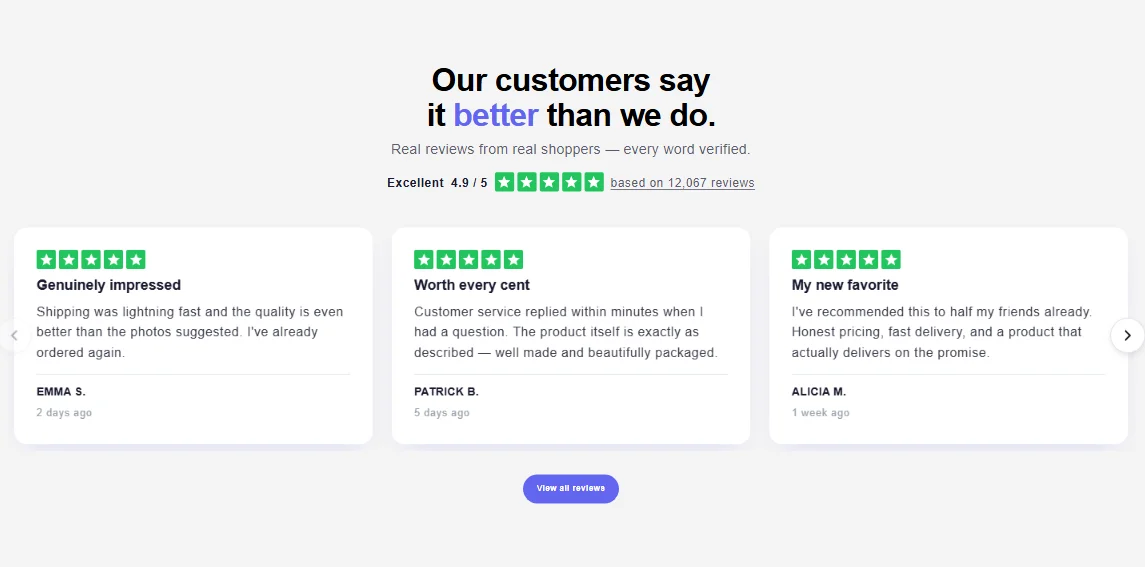
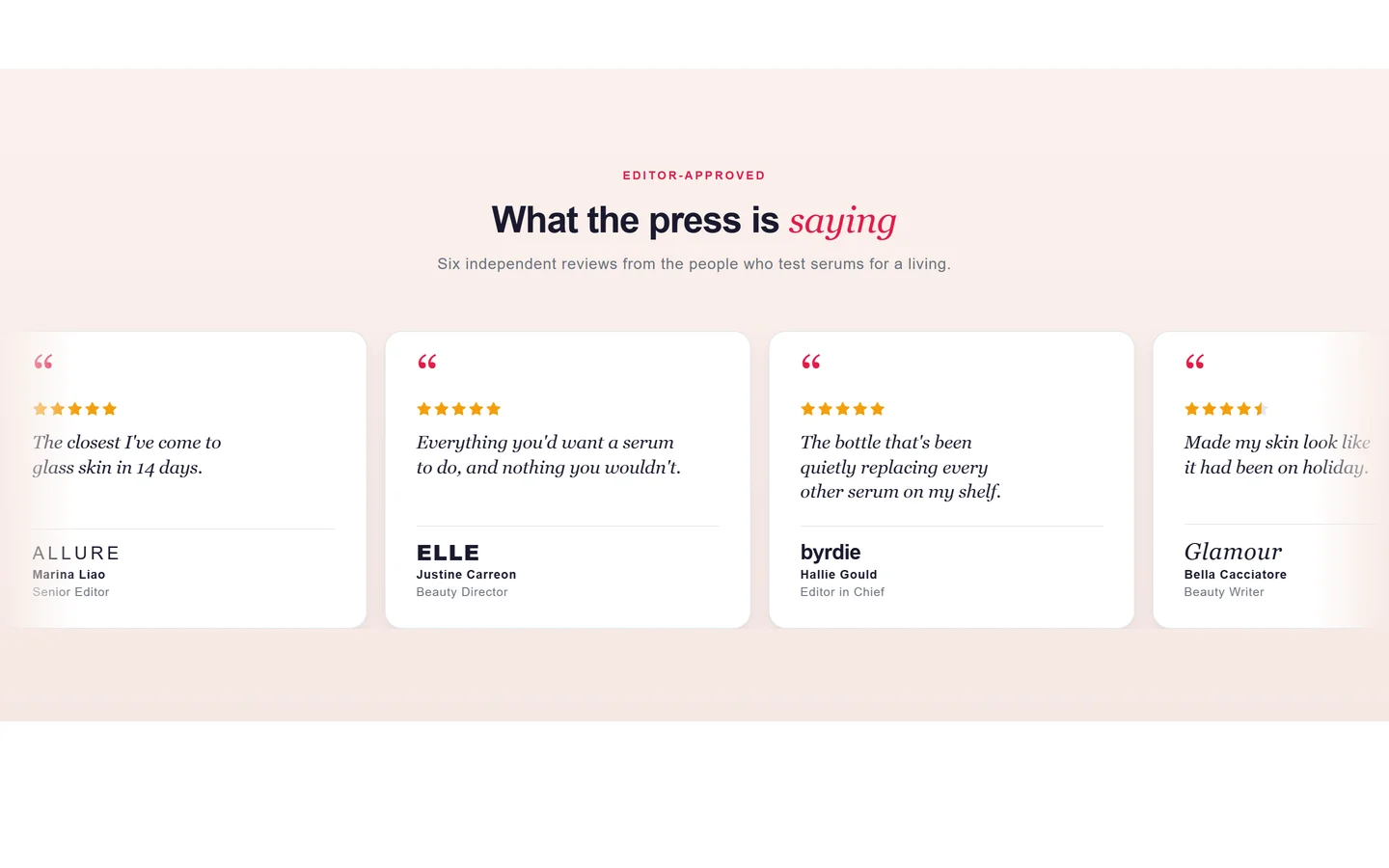
The testimonials section displays customer quotes as cards or a carousel, each with a name, optional photo, and rating. It's a native theme section you populate by adding a block per testimonial in the editor.
What merchants use it for
- Homepage social proof
- Product page reviews highlight
- Landing page trust building
- Service or coaching endorsements
- Case-study quotes
Key features
- Quote, author name, and role fields
- Optional author photo
- Optional star rating per quote
- Grid or carousel layout
- Reorderable testimonial blocks
Setup
How to add the Testimonials section
- 01Install Modulo from the Shopify App Store
- 02Open the theme editor and click Add section
- 03Choose the Testimonials section from Modulo
- 04Add a block per quote and fill in the name, photo, and rating
Questions
Frequently asked
Does this pull reviews from a review app automatically?
No. You enter the testimonials yourself in the theme editor, which lets you curate exactly which quotes appear.
Can I show star ratings?
Yes. Each testimonial block has an optional rating field you can set from one to five stars.
Get the Testimonials section — and 50+ more.
One install adds 100+ native sections, 16 conversion blocks, and the bundling engine to your theme. Free at launch.