 Install on Shopify
Social proof
Social gallery section for Shopify
A curated grid of lifestyle and social photos to show your product in the wild.
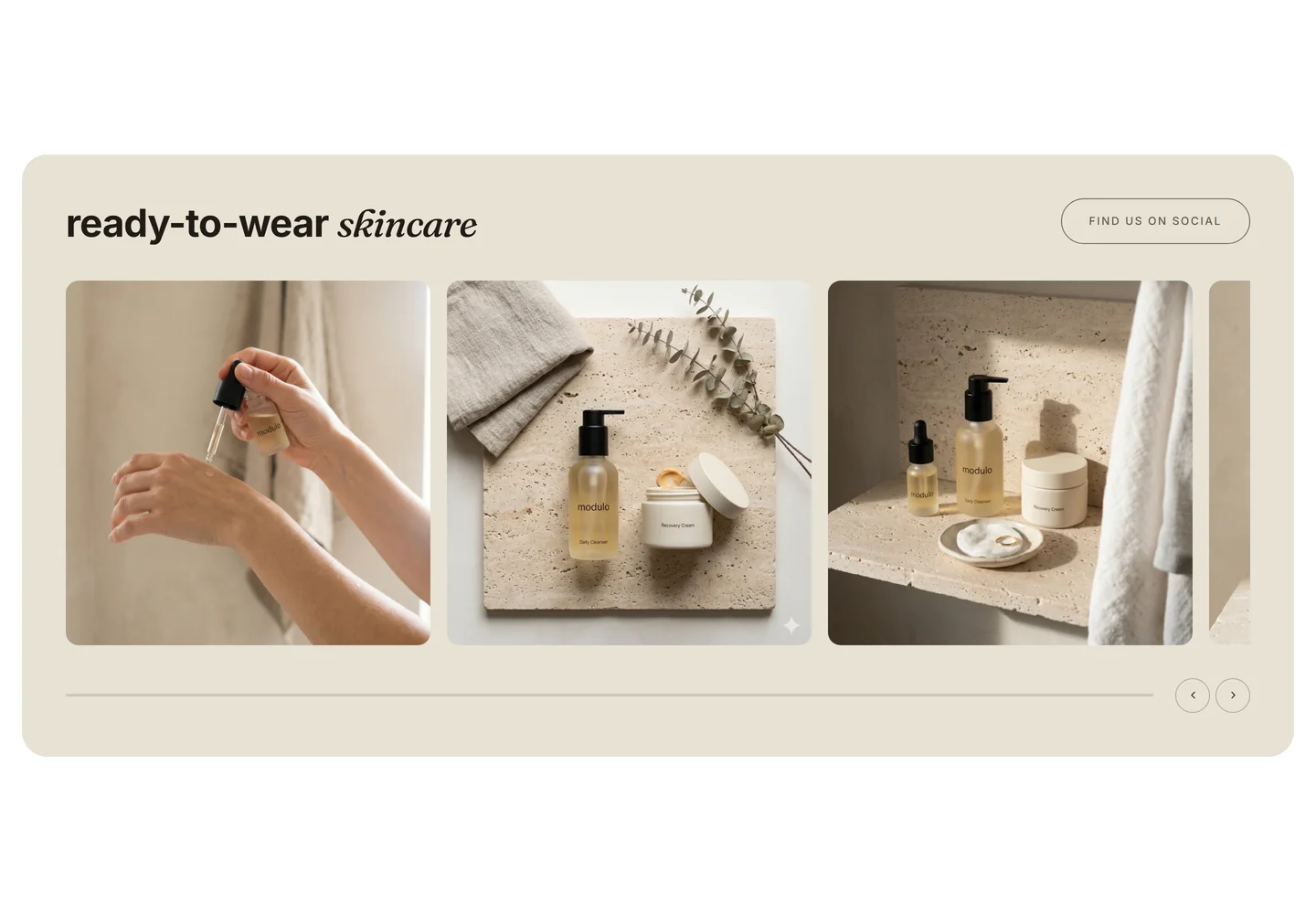
What it is
The social gallery section displays a grid of images you upload — typically social or user-generated lifestyle shots. It's a native theme section, so each tile is an editor block with an optional link.
What merchants use it for
- Instagram-style lifestyle grid
- User-generated content showcase
- Lookbook tiles
- Shoppable photo wall
- Community or event recap
Key features
- Image grid with configurable columns
- Optional link per tile
- Square or original aspect ratios
- Optional heading and handle text
- Reorderable image blocks
Setup
How to add the Social gallery section
- 01Install Modulo from the Shopify App Store
- 02Open the theme editor and click Add section
- 03Choose the Social gallery section from Modulo
- 04Upload your photos and set an optional link on each tile
Questions
Frequently asked
Does this connect to my Instagram account automatically?
No. You upload and curate the images yourself, which means the grid stays stable and isn't affected by API changes or rate limits.
Can each photo link somewhere?
Yes. Each tile has an optional link field so you can point to a product, collection, or external post.
Get the Social gallery section — and 50+ more.
One install adds 100+ native sections, 16 conversion blocks, and the bundling engine to your theme. Free at launch.